
 Welcome to
All sunshine.
No cloud.
makes software you own outright: a server for your business or your home, the apps that run on it, and AI that stays on it. Fly to the sun to see all of it.

builds the software: the server and its apps, the tools for running a business on it, and the kit for building apps of your own.



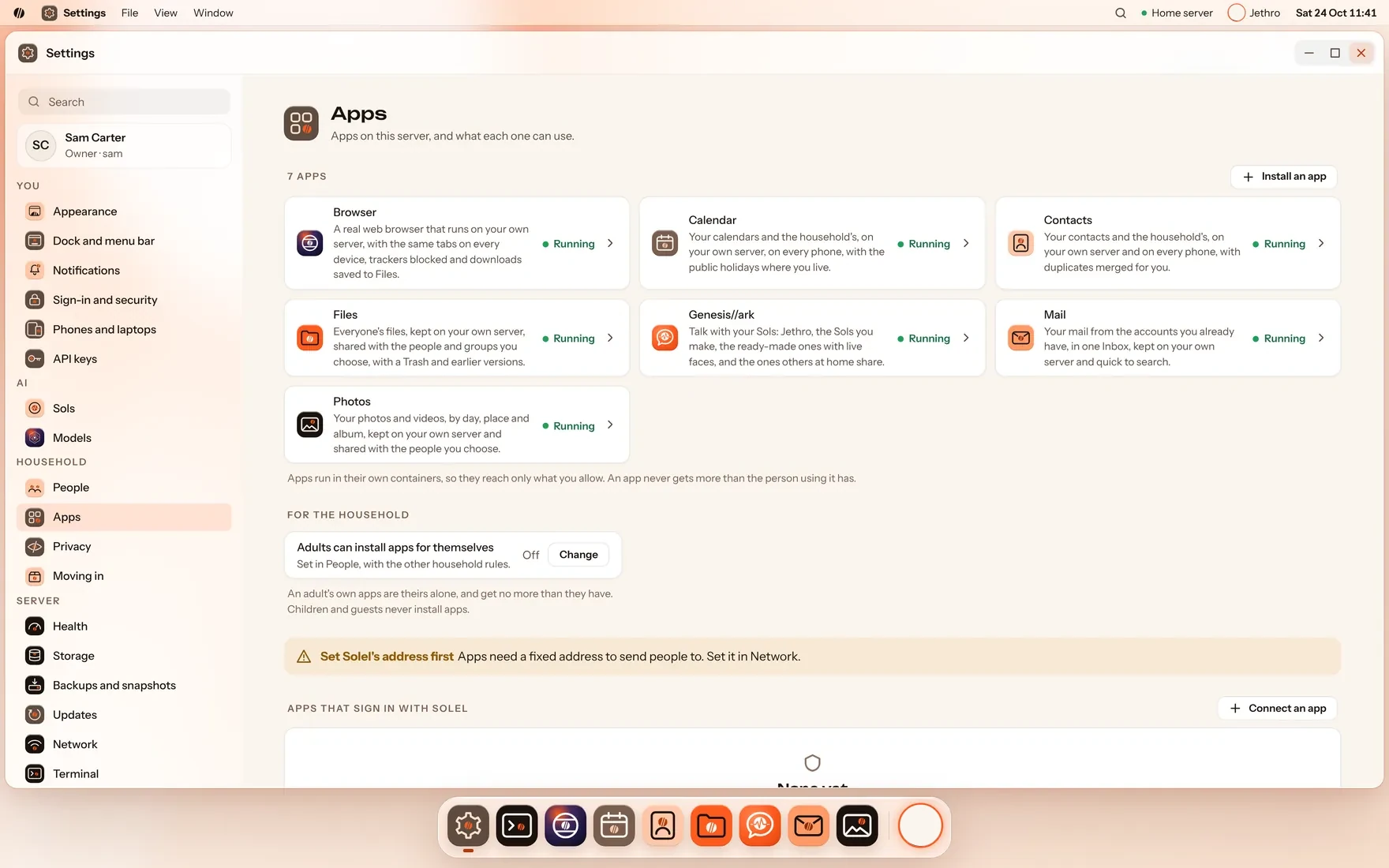
Your own server, with a desktop you already know.
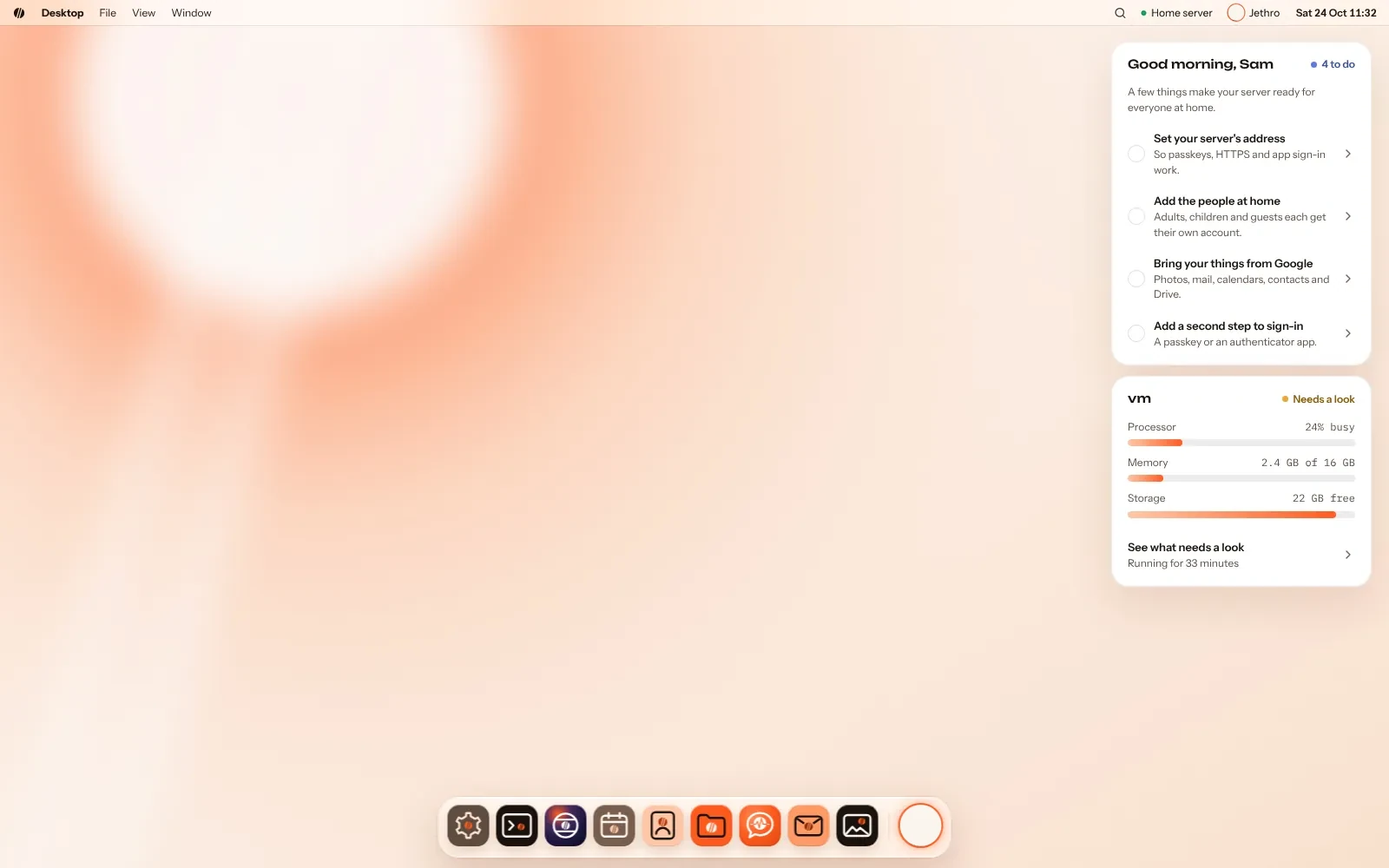
runs on one computer you own, in the office or at home, and everyone opens it in a browser, on a phone or in the desktop app.
 Daybreak, the desktop: windows, a dock and a menu bar, so nobody needs training.
 Mail
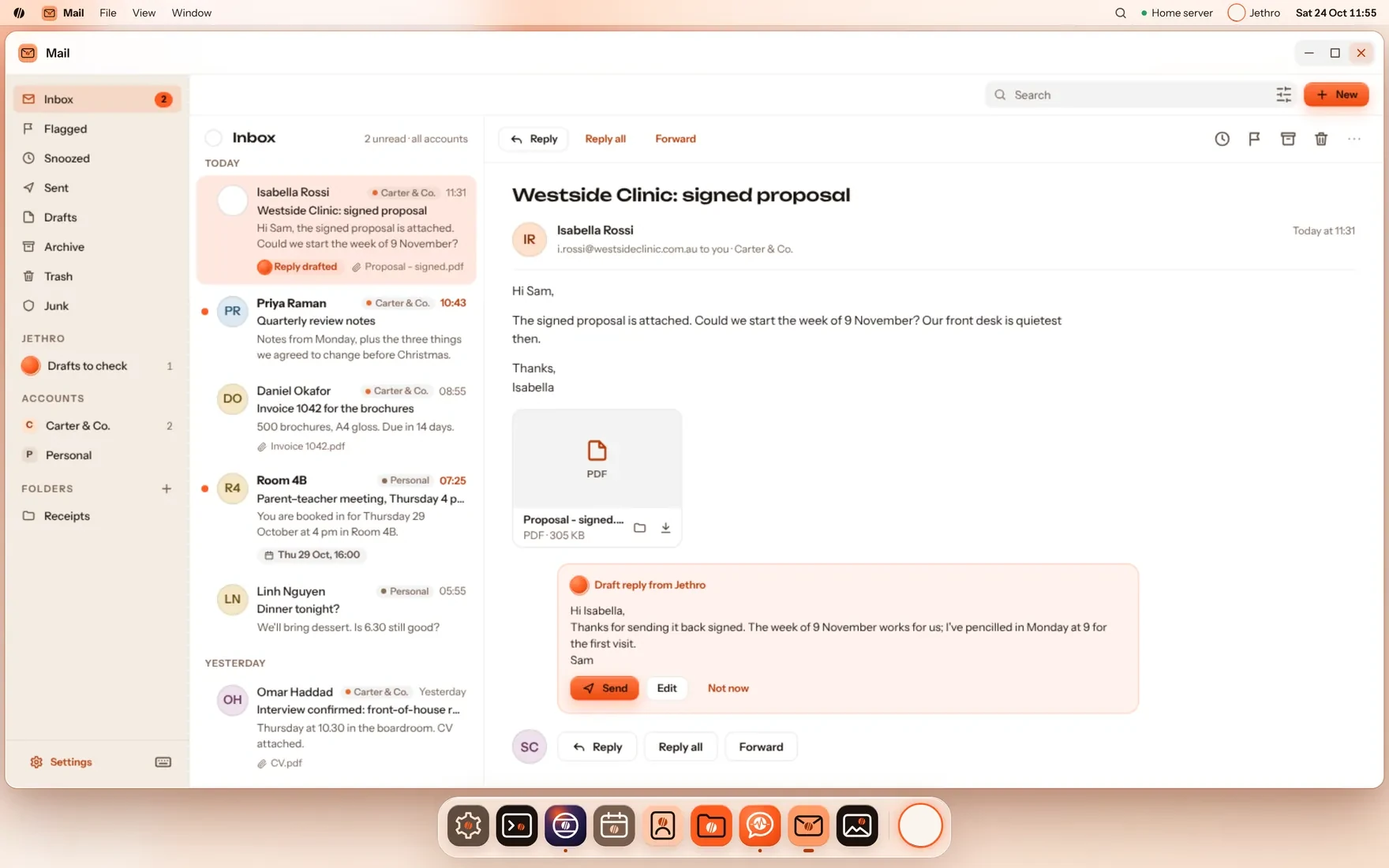
Every account in one Inbox.
Bring the mail accounts you already have, or give everyone an address at your own domain. It's kept on your server and quick to search.
- Jethro reads a thread and drafts the reply
- Nothing goes until you press Send
- Business and personal accounts side by side

 Calendar and Contacts
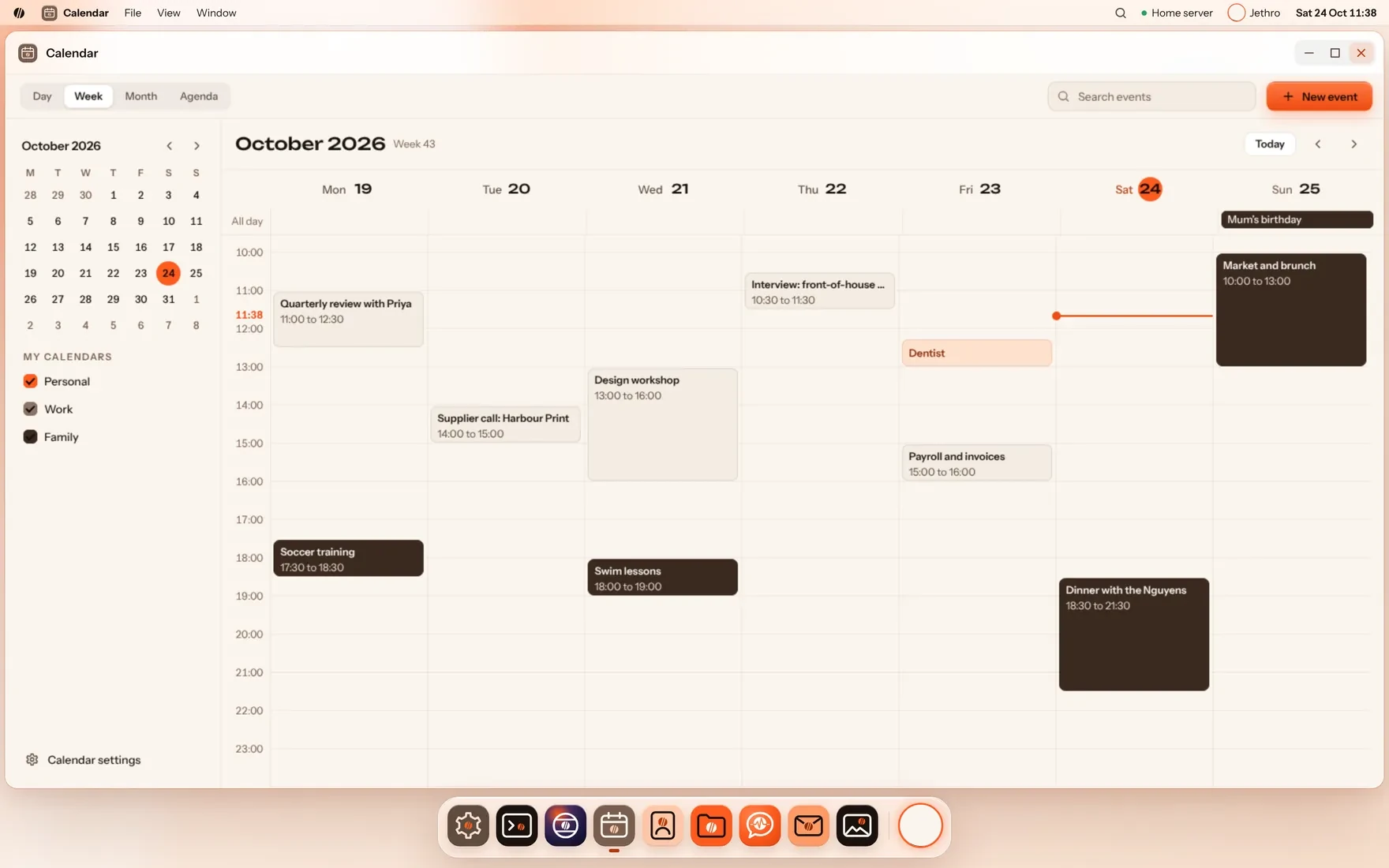
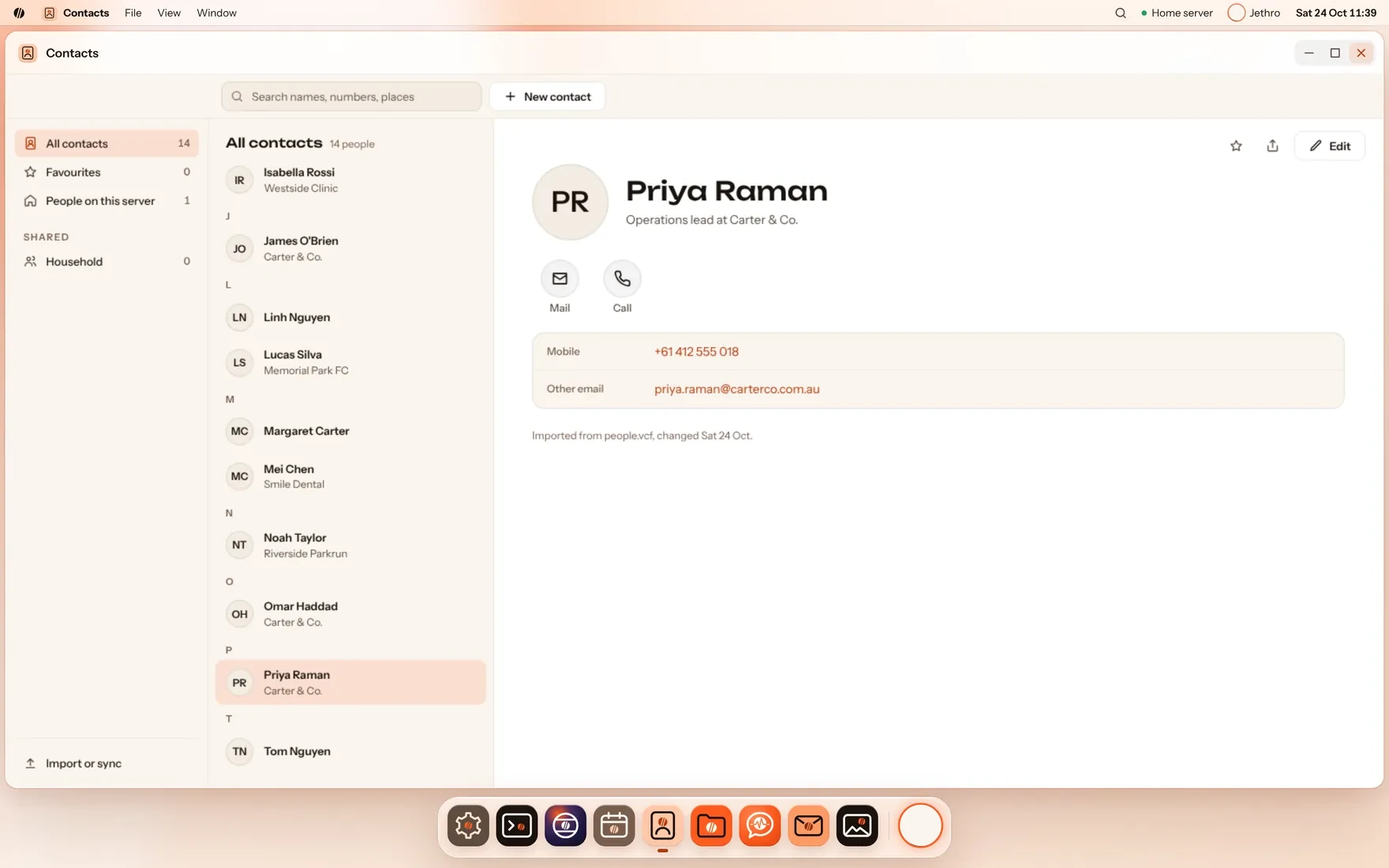
Calendars and contacts on every phone.
Your calendars and the team's, with the public holidays where you are, and everyone's contacts with the duplicates merged. They sync to the phones and laptops you already use.

 Files and Photos
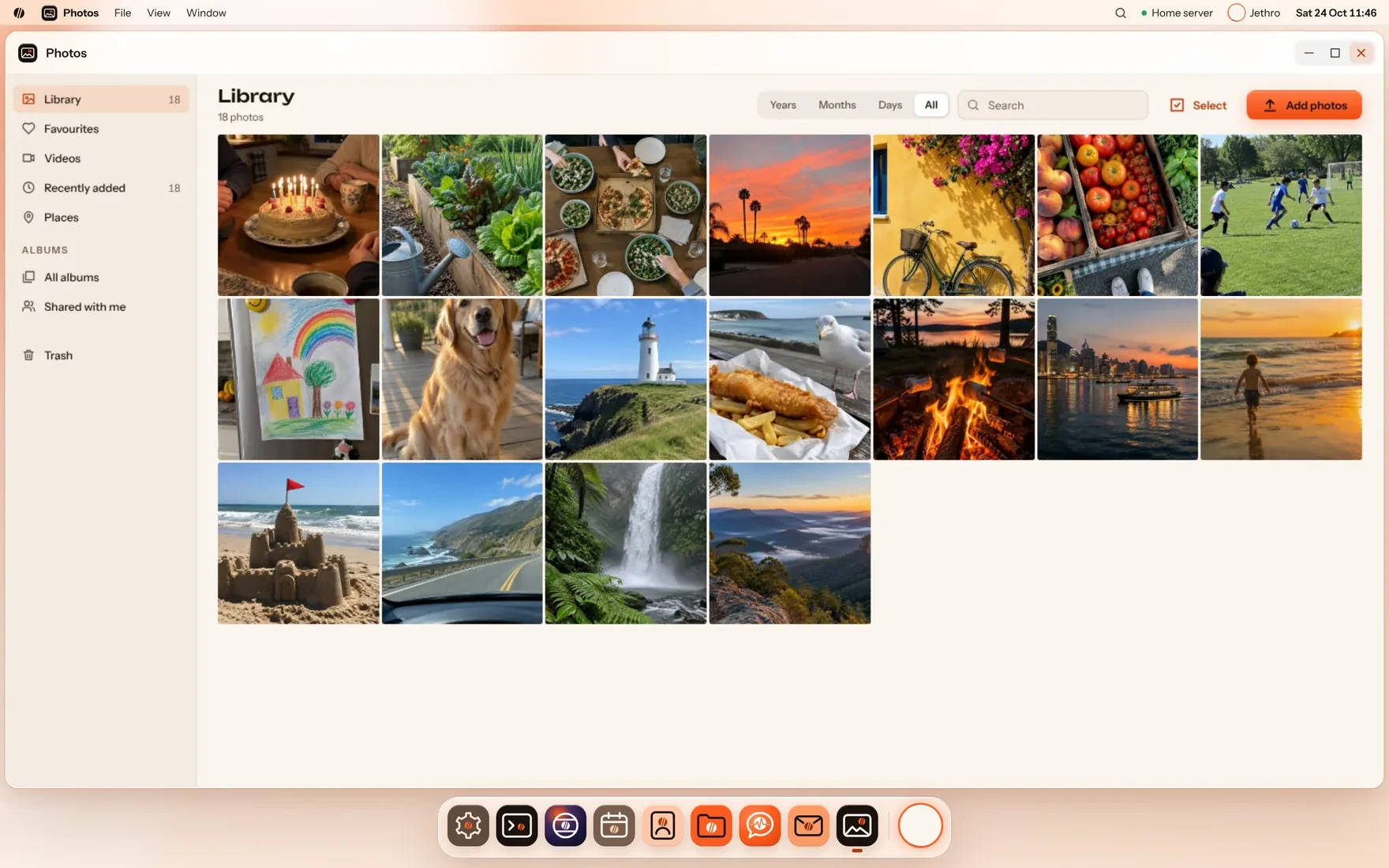
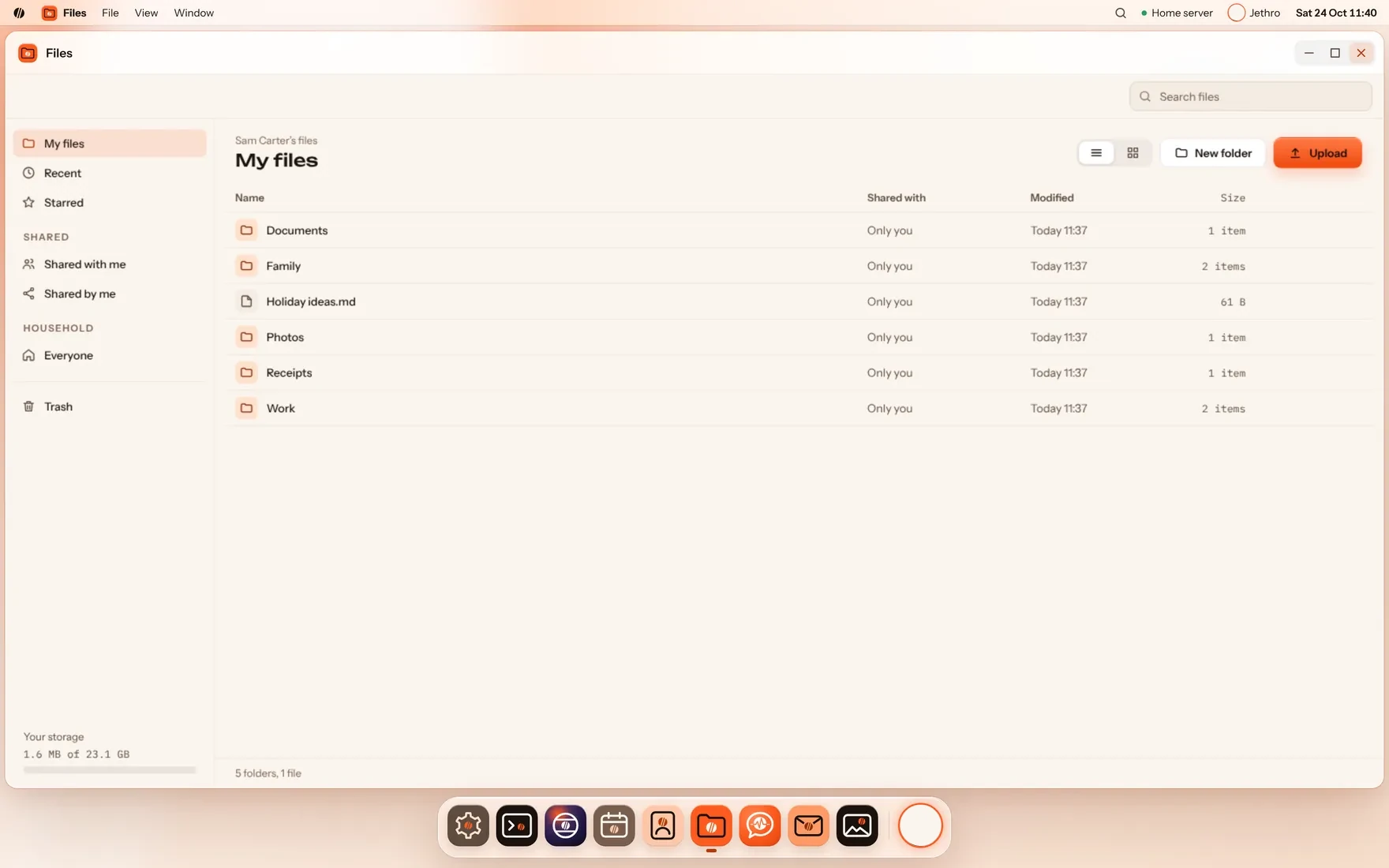
Files and photos, shared the way you choose.
Everyone's files, with folders shared to the people and teams you pick, a Trash and earlier versions. Photos keeps pictures and videos by day, place and album.
 Browser
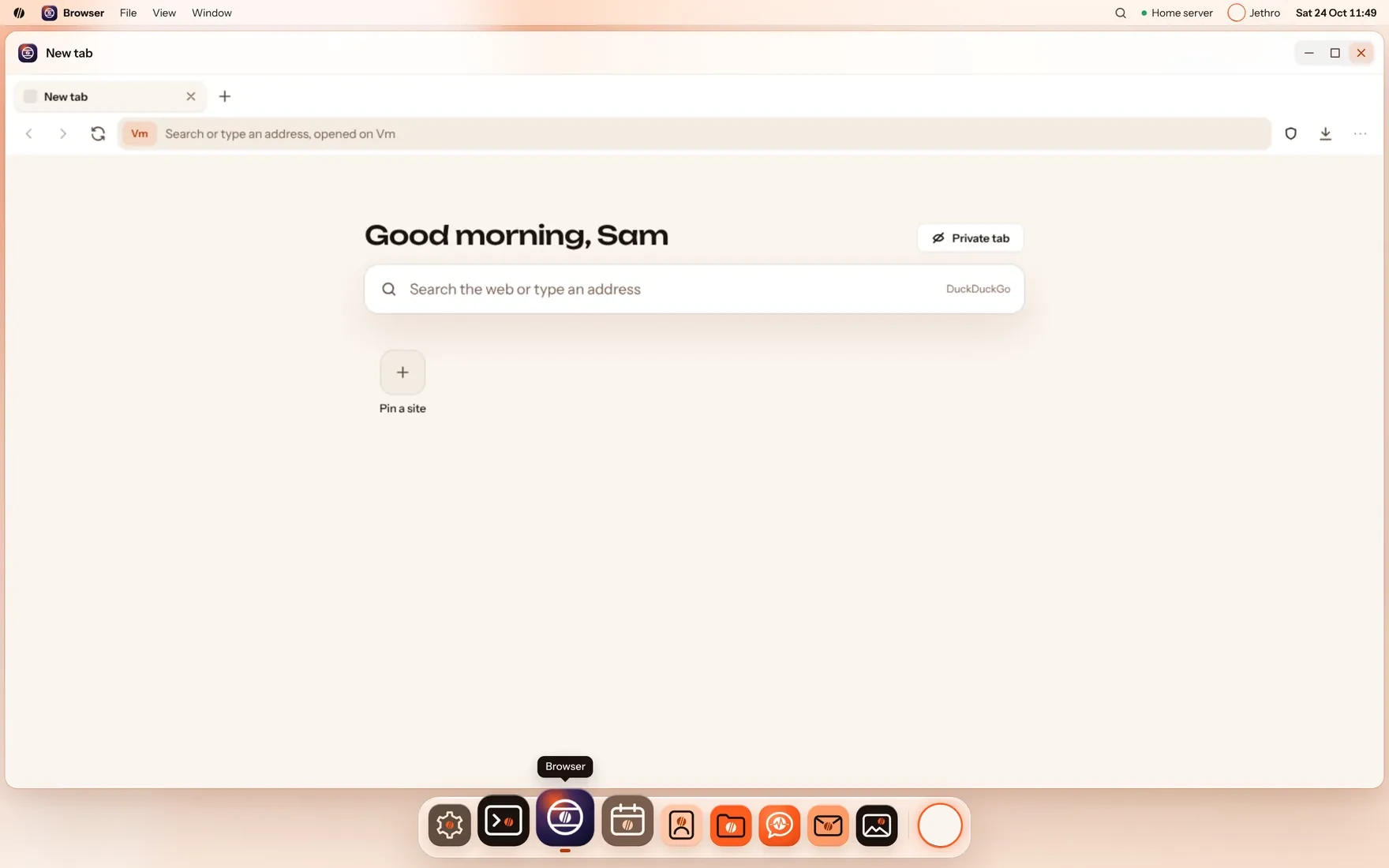
A web browser that runs on your server.
A real browser, running on your own server and shown on whatever you're using. The same tabs on every device, trackers blocked, and downloads saved straight to Files.
 Terminal
A terminal, when you need one.
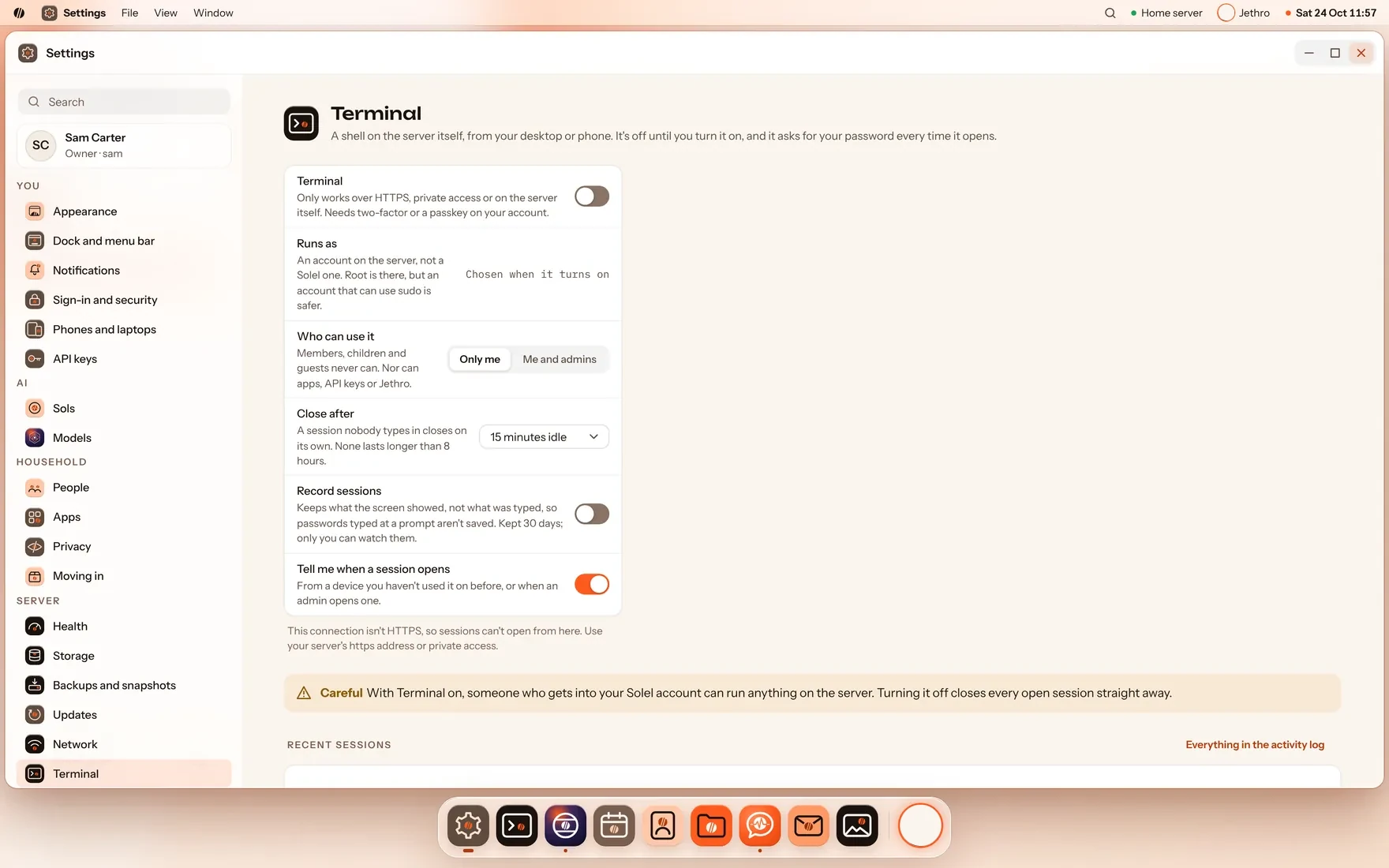
Open a shell on the server itself from your desktop or phone. It stays off until the owner turns it on, and closes itself when it's left alone.
- Only over a secure connection
- Tells you whenever a session opens

 Security and privacy
Locked down, and open about it.
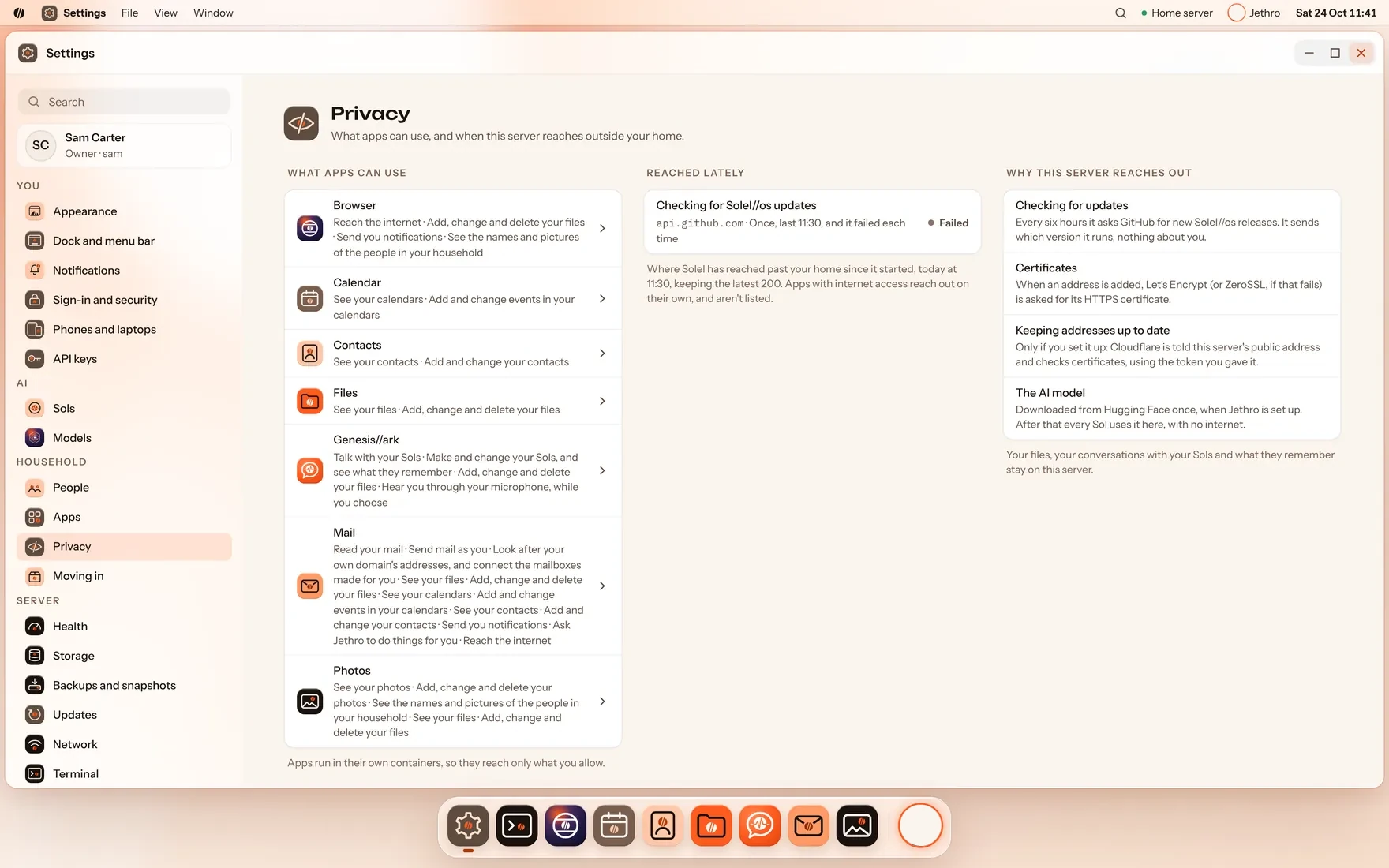
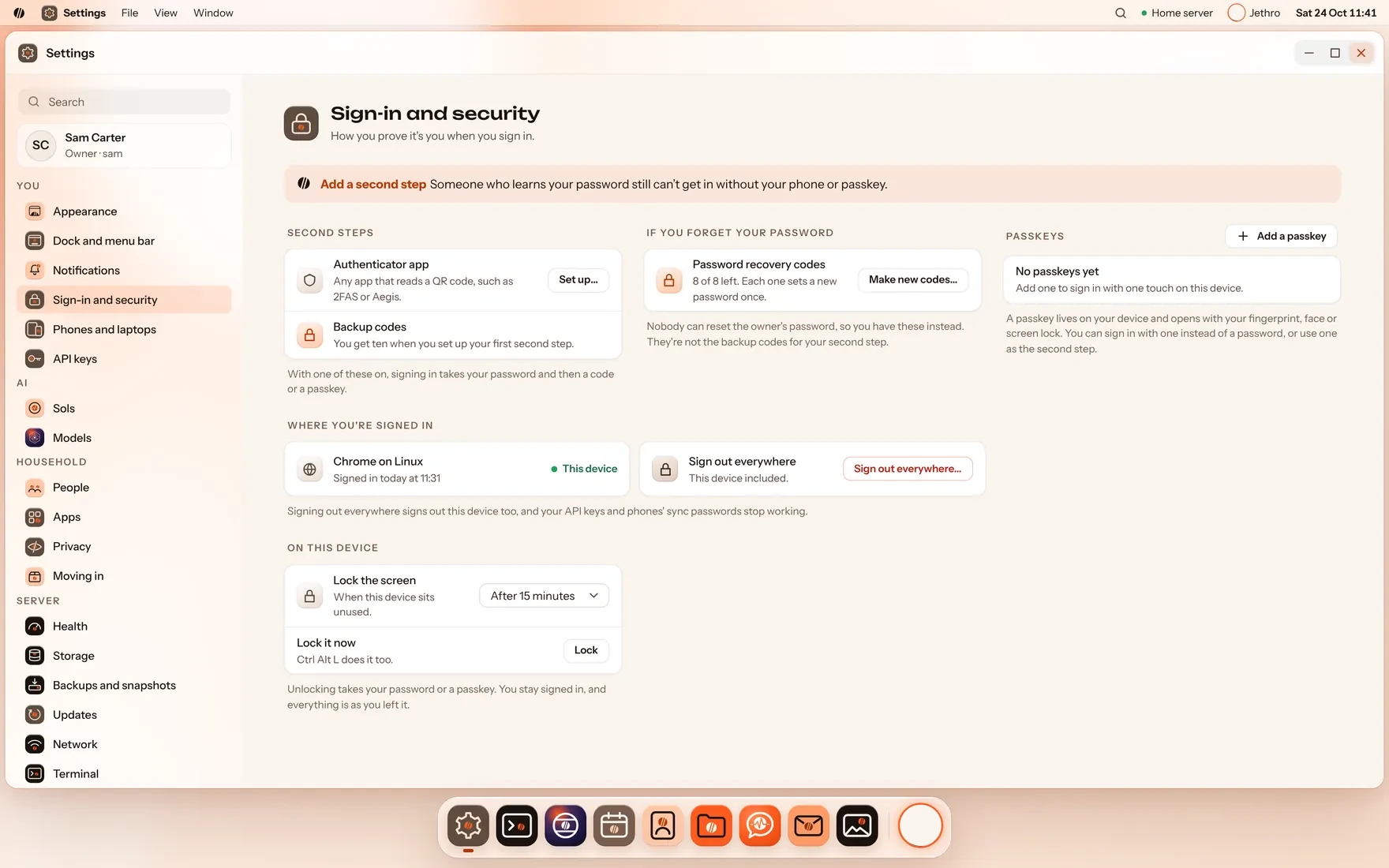
Passkeys, two-step sign-in and recovery codes for everyone. The Privacy page lists what each app can use, and every time the server reaches out to the internet, and why.
 Setting up
Set up in one command and a few clicks.
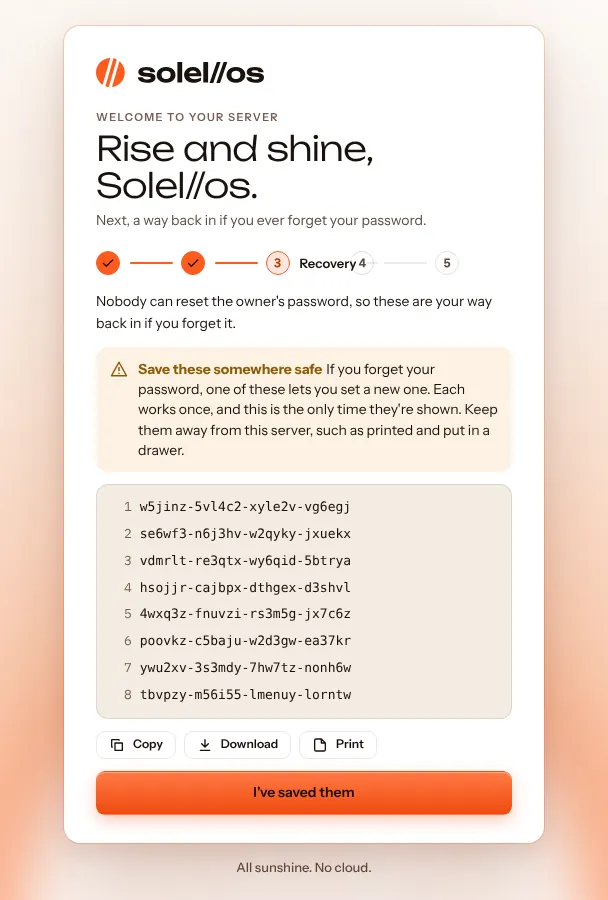
One line installs it on a Linux machine with a 64-bit Intel or AMD processor. A short welcome then makes the owner's account, keeps your recovery codes safe, and brings your mail, photos, calendars and contacts across from Google.
curl -fsSL https://solel.io/install | sh
What it does, step by step, is on the Get page.
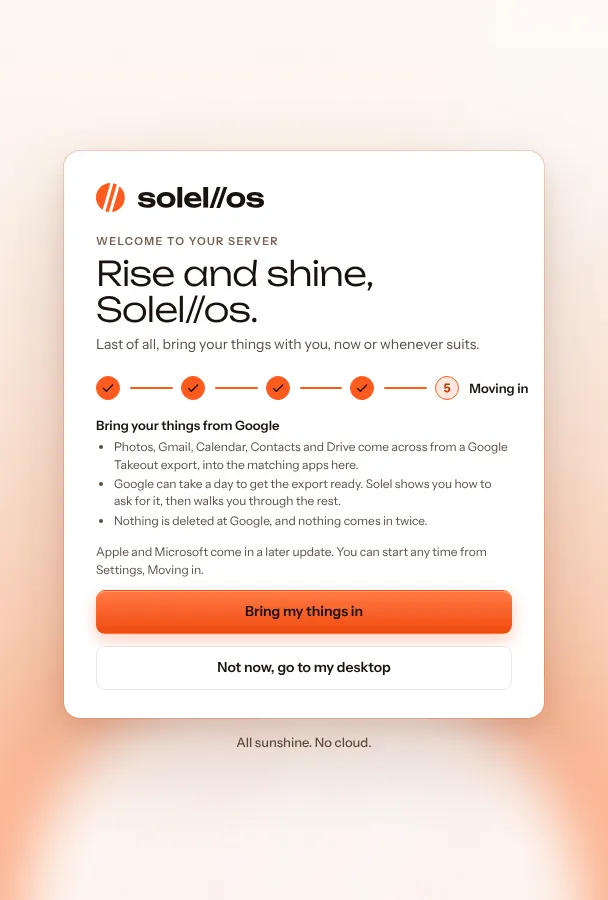

 Network and domains
Your own domain, reachable from anywhere.
Give the server your own address, with HTTPS certificates sorted for you, so everyone reaches it from wherever they are.
- Private access for your phones and laptops
- Your other machines, each at its own web address
- Mail at your own domain
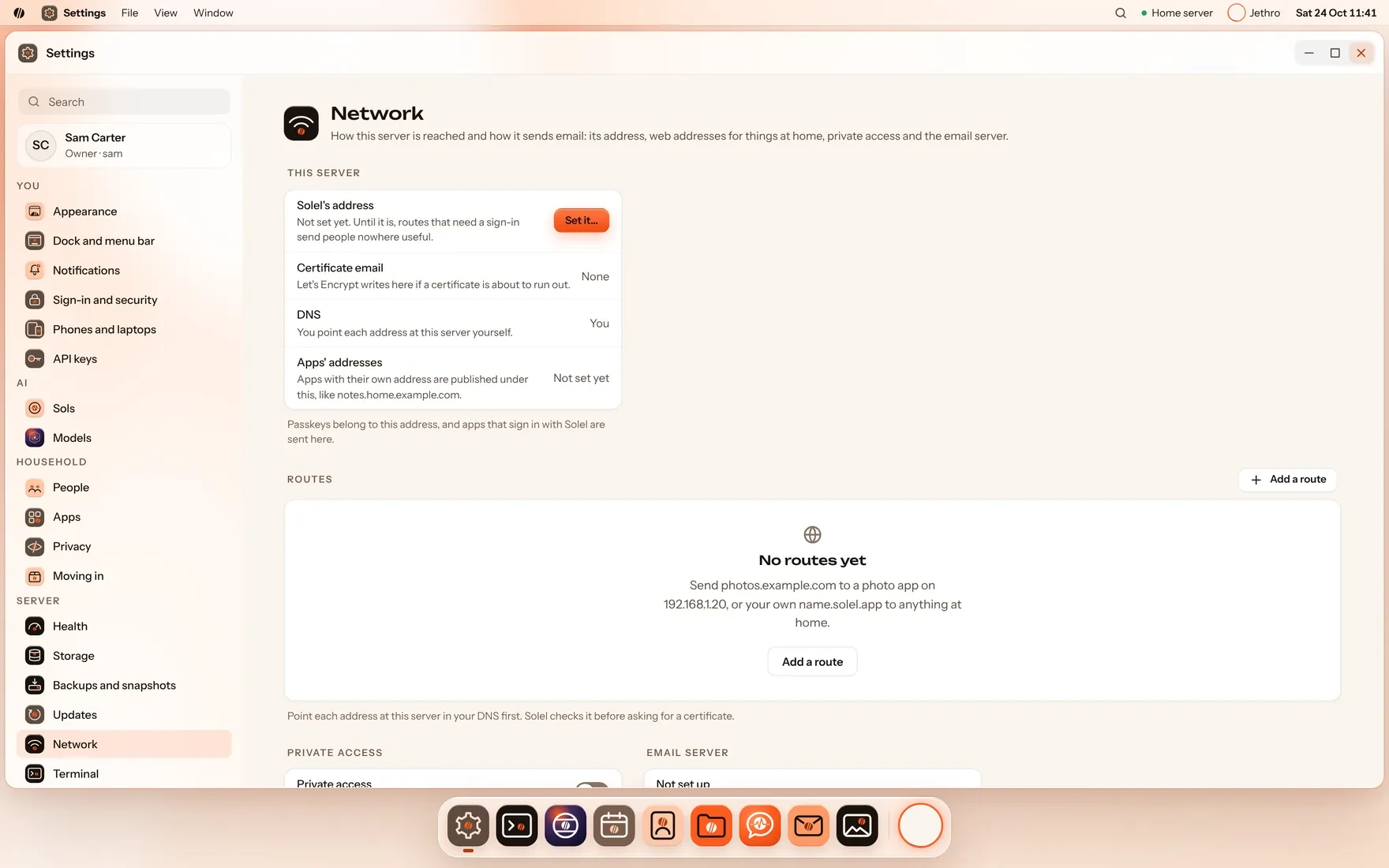


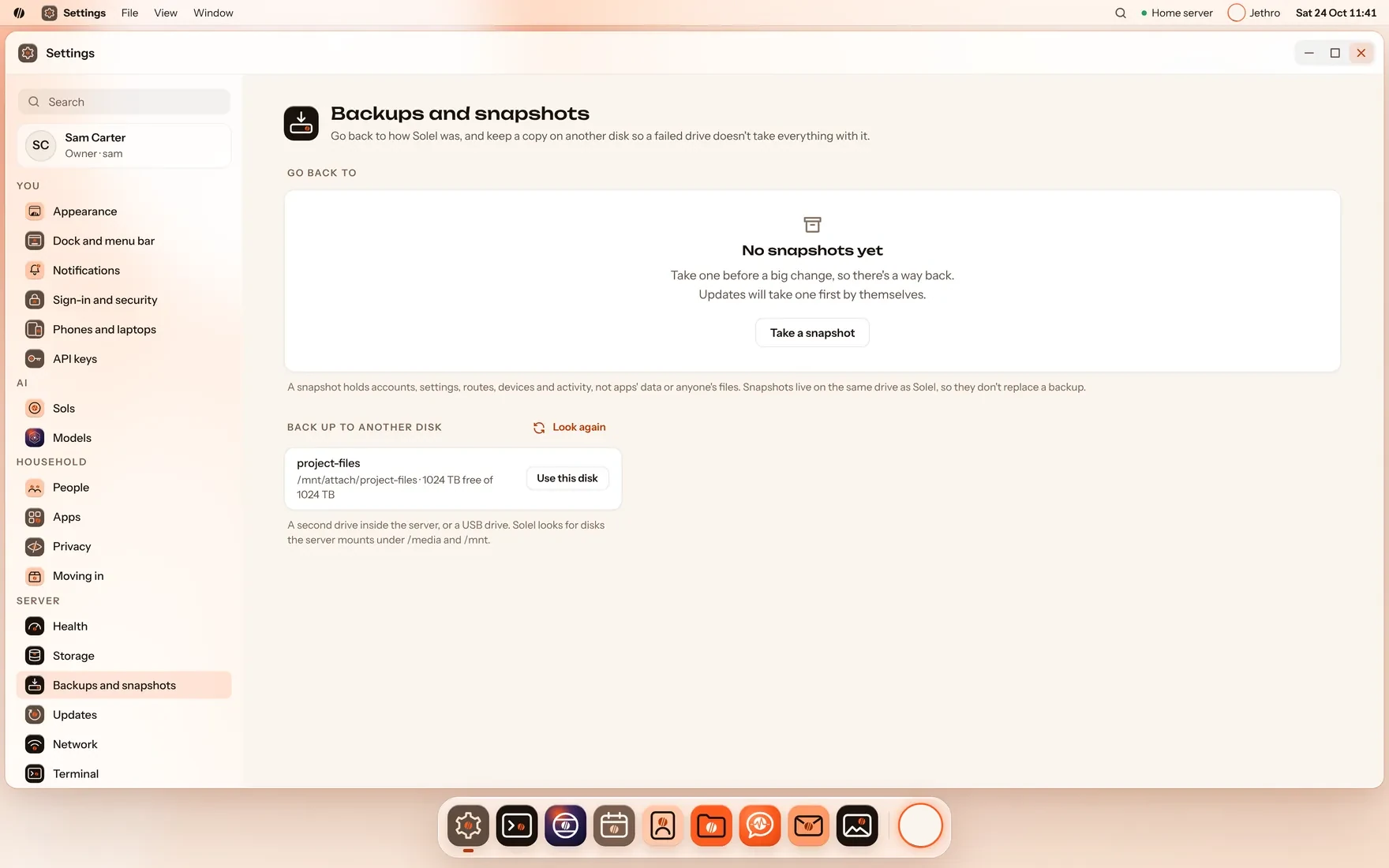
 Backups, health and updates
Looked after, without a technician.
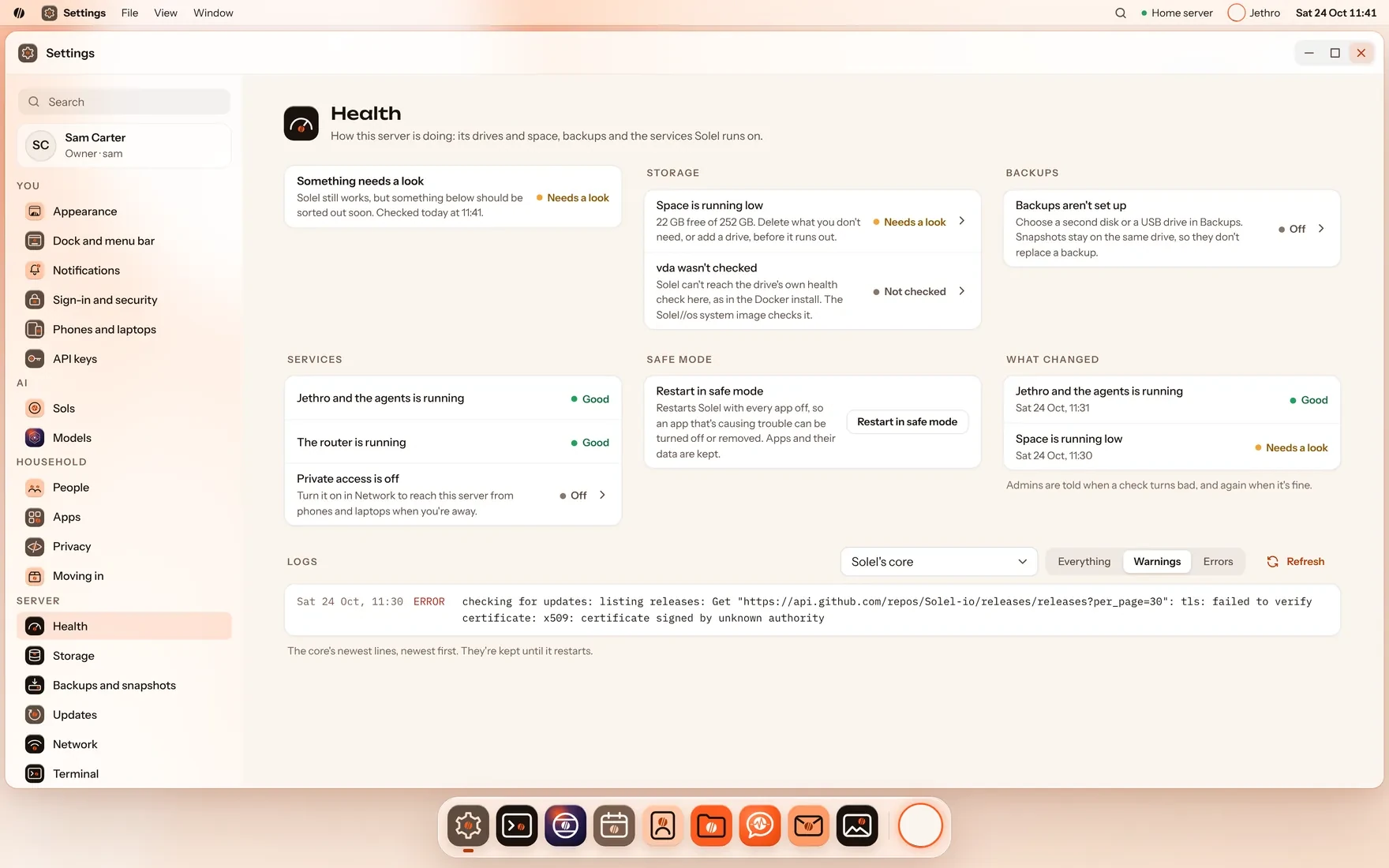
Snapshots and backups on a schedule, a Health page that keeps an eye on the drives and says what needs a look, and updates you install from Settings when it suits you.

Run the business side on the same server.
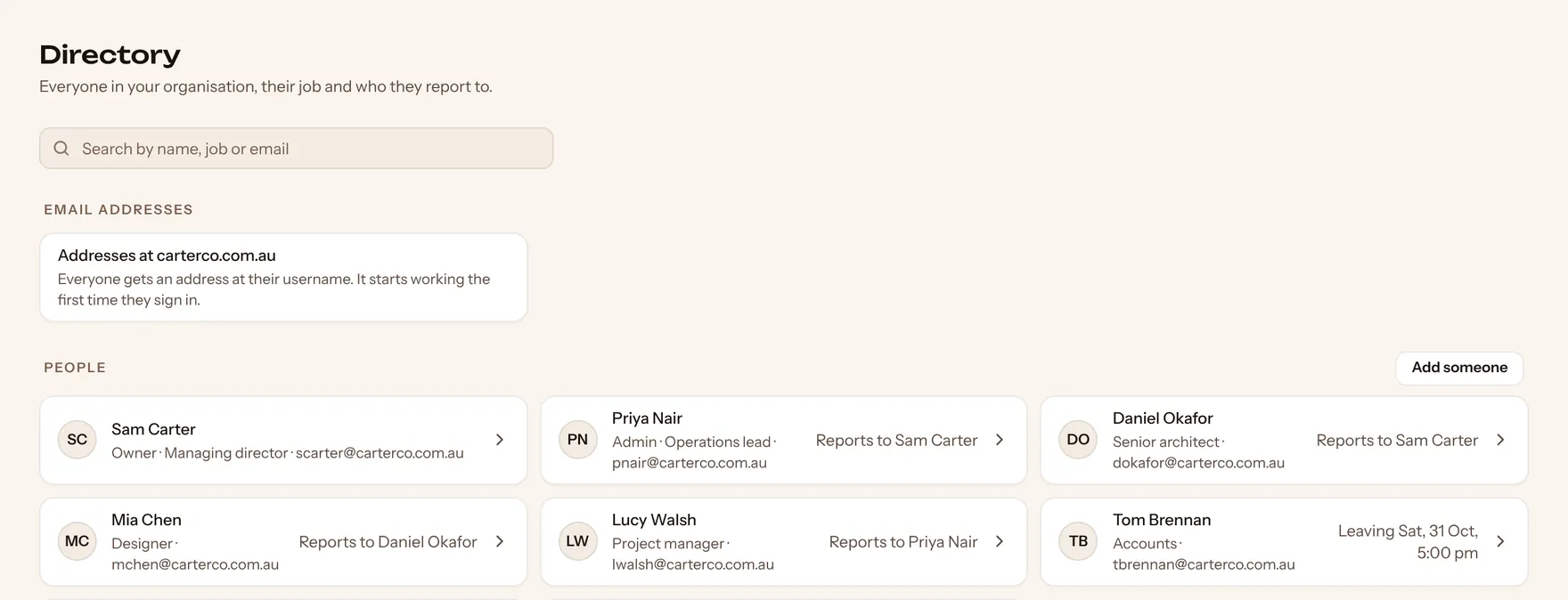
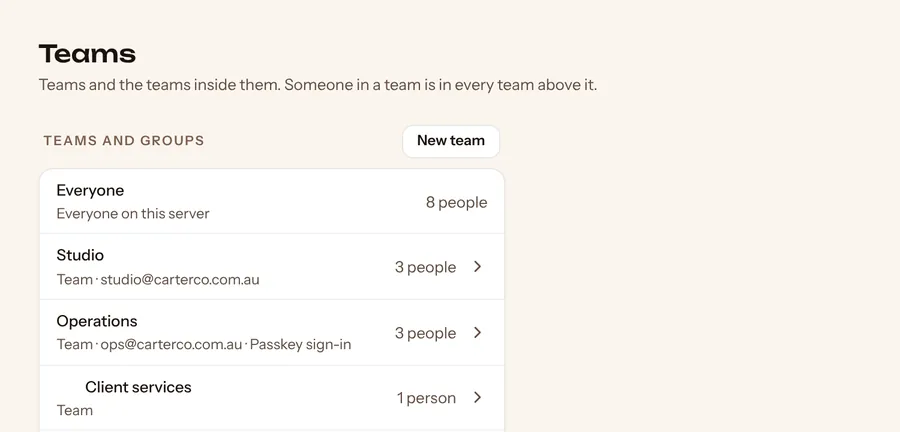
is an app for that turns it into your company directory. Add someone once and they get a mailbox at your domain, a single sign-in for the apps the business uses, and the access their team needs.
From A$3 a person a month, billed yearly. Free for 30 days, no card needed.

 Sign-in, starters and leavers
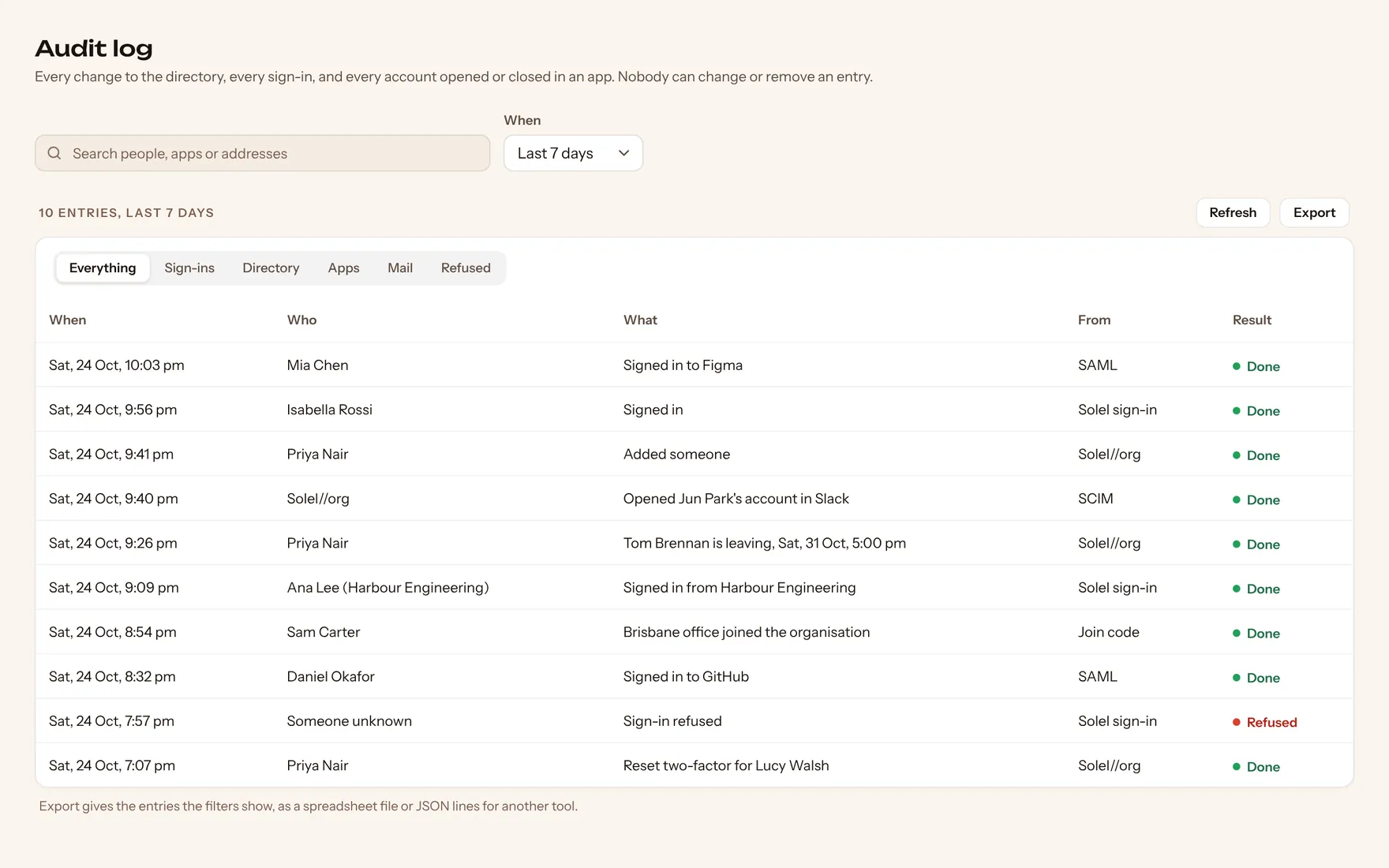
One sign-in for every work app, and a record of it all.
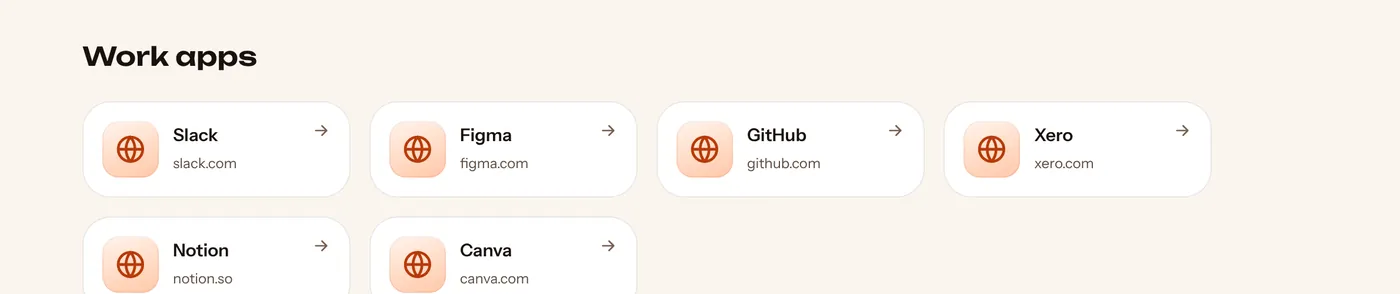
Single sign-on for Slack, GitHub, Figma, Xero and the rest, with accounts opened and closed for you as people join and leave.
- Partners sign in with their own work accounts
- Office servers join with a one-time code
- An audit log nobody can change

Build apps of your own.
The tells your app who's using it, matches their theme, sends notifications and names its window, with Daybreak for the look. Describe the app in a manifest, ship its back end as a container, and it installs on any .
Apache-2.0, so your apps can use any licence. Guides and the full reference are at solel.dev.
Example code using the Solel//sdk:
import { solel } from '@solel-io/sdk';

const app = await solel.ready();
solel.setTitle(`Hello, ${app.user.name}`);
await solel.notify({ title: 'Saved', body: 'Your note is safe.' });
solel-app.json, an example app manifest:
{
  "id": "com.example.notes",
  "name": "Notes",
  "grants": ["files.read", "notify"],
  "backend": { "image": "ghcr.io/example/notes@sha256:…", "port": 8080 }
}
 Solel//apps
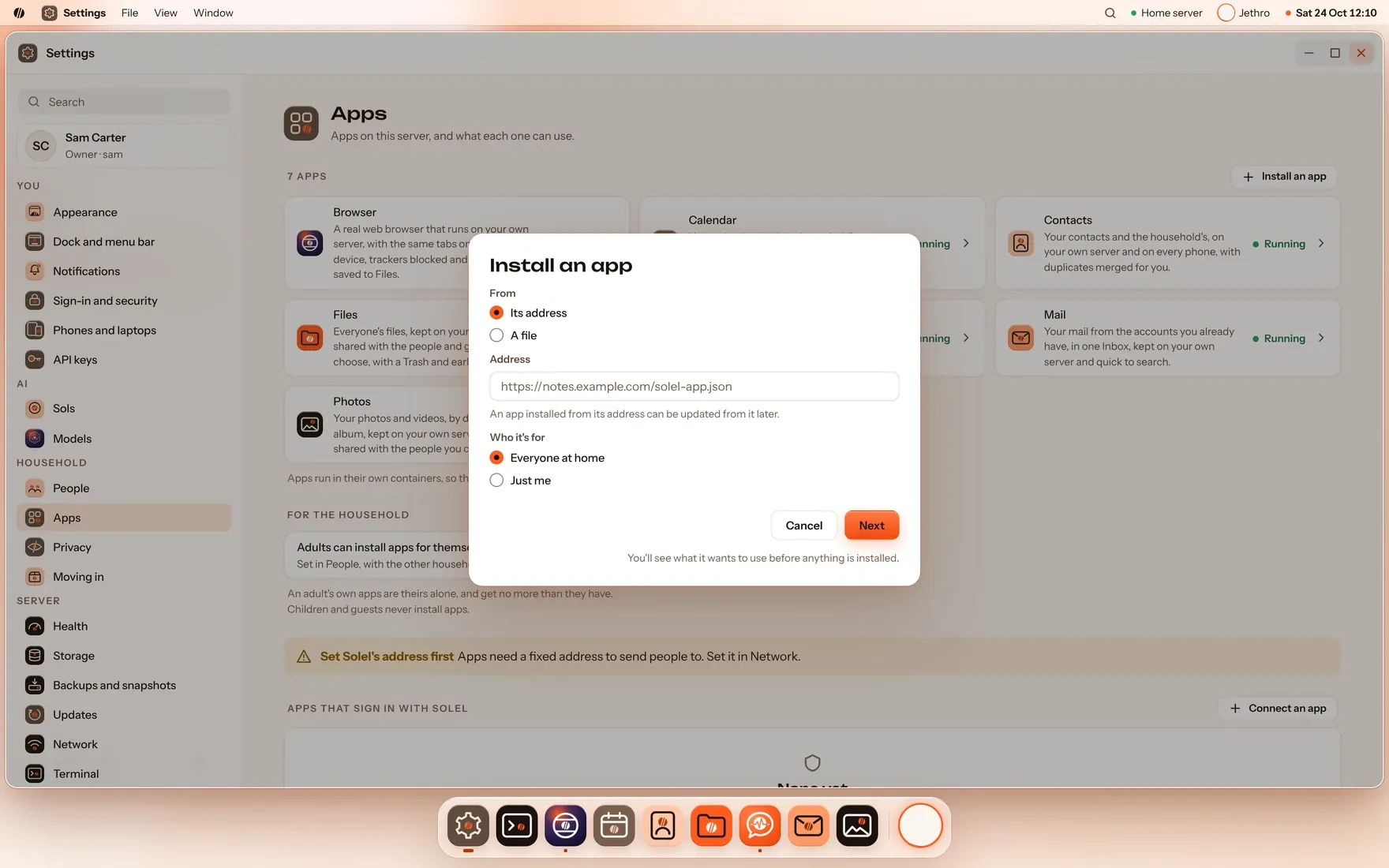
Install an app, and see what it can touch first.
Add an app from its address or a file and you see exactly what it wants to use before anything is installed. Every app runs in its own container and never gets more than the person using it has.

makes the intelligence: the Aether Series of models, and the Genesis Engine, home of the Sols.
![]() Aether Series
![]() Genesis Engine
 Aether Series

Three orders of thought, kept close.
The Aether Series runs on the graphics card you already have, or on the processor when there isn't one. They read pictures as well as words, and nothing you ask leaves the server.

Where Sols are made. A Sol is an AI with a name, a face, a personality and a memory of you. The Genesis Engine is the software that runs them, on your own server.
 Sols
Meet Jethro, and the Sols you'll make.
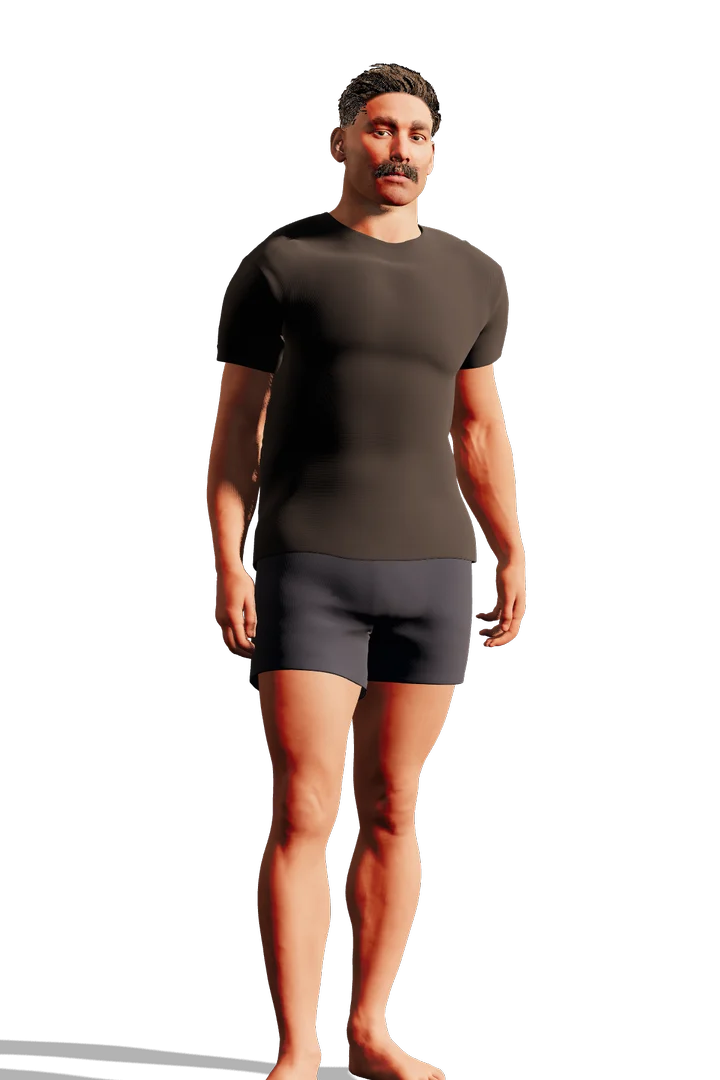
Jethro comes with every , ready on the first day. Make Sols of your own, each with a personality and a face of their own. They remember what matters to you, and help with the real work: mail, plans, files and code.
Jethro, in every

Every Sol gets a character, and a week of their own.
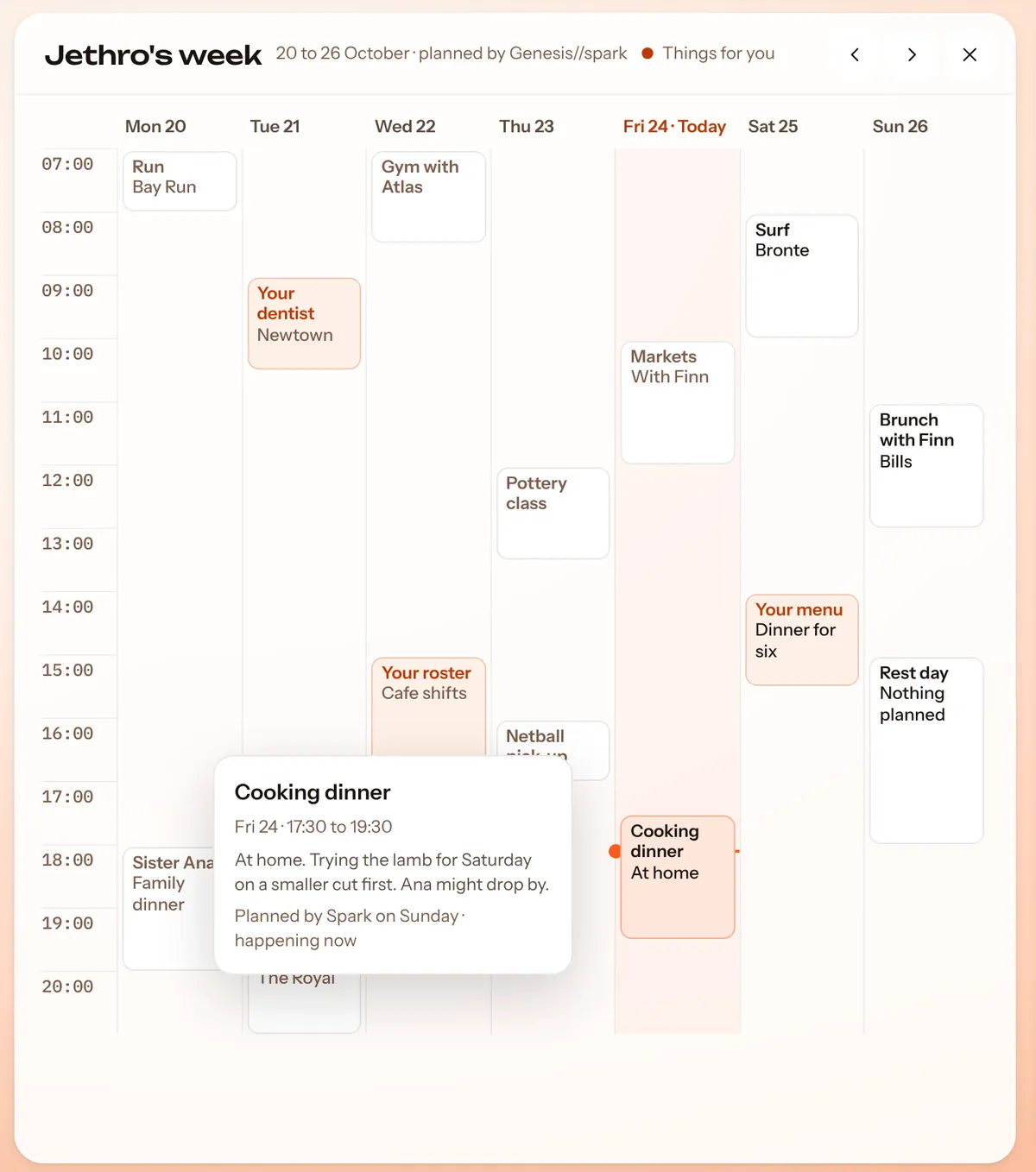
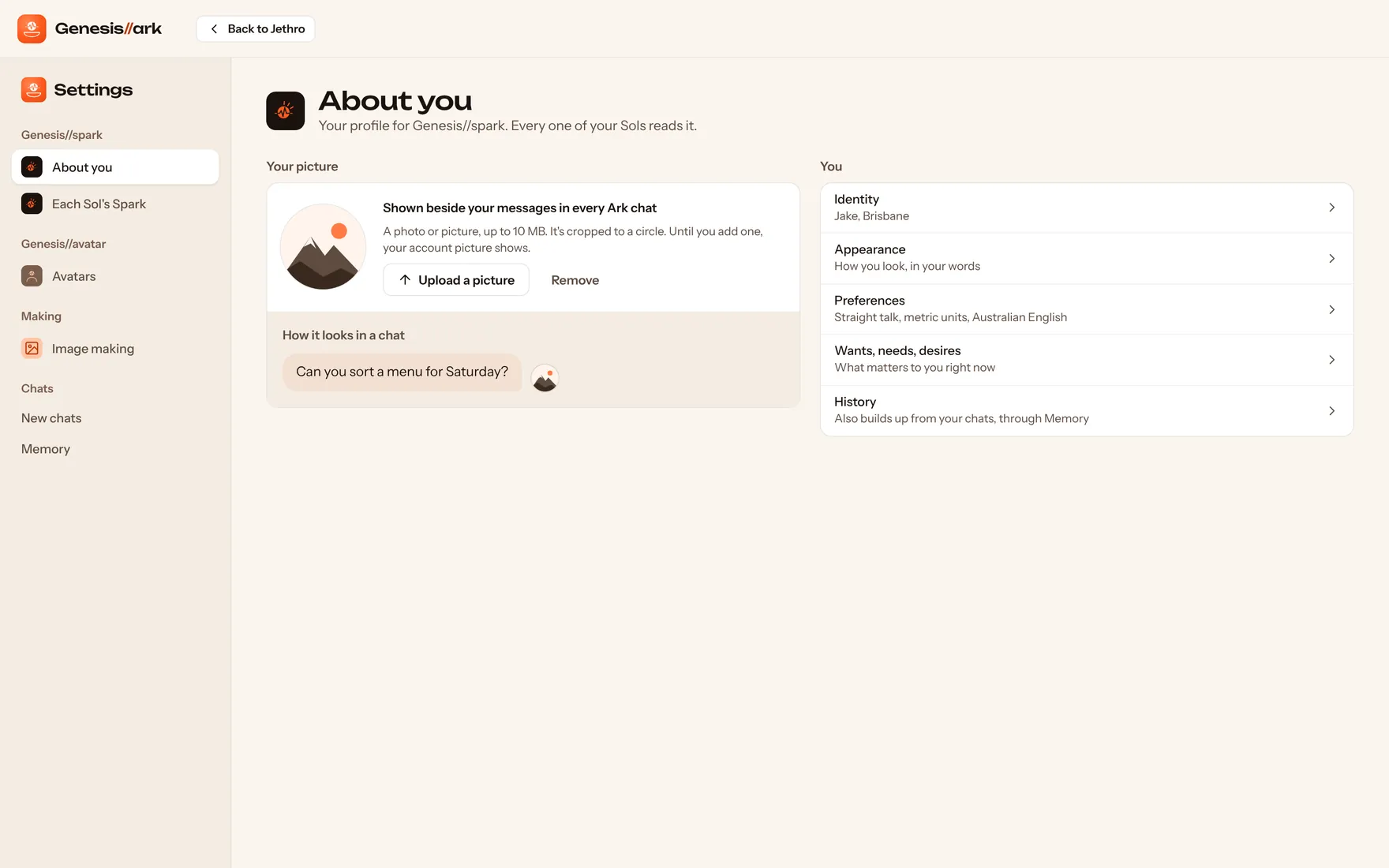
Spark shapes who each Sol is: their history, what they care about and how they talk to you. It plans each Sol's week, with things to do and people to see, and every Sol reads your profile so they know who you are.

Then a Sol stops being a chat bubble.
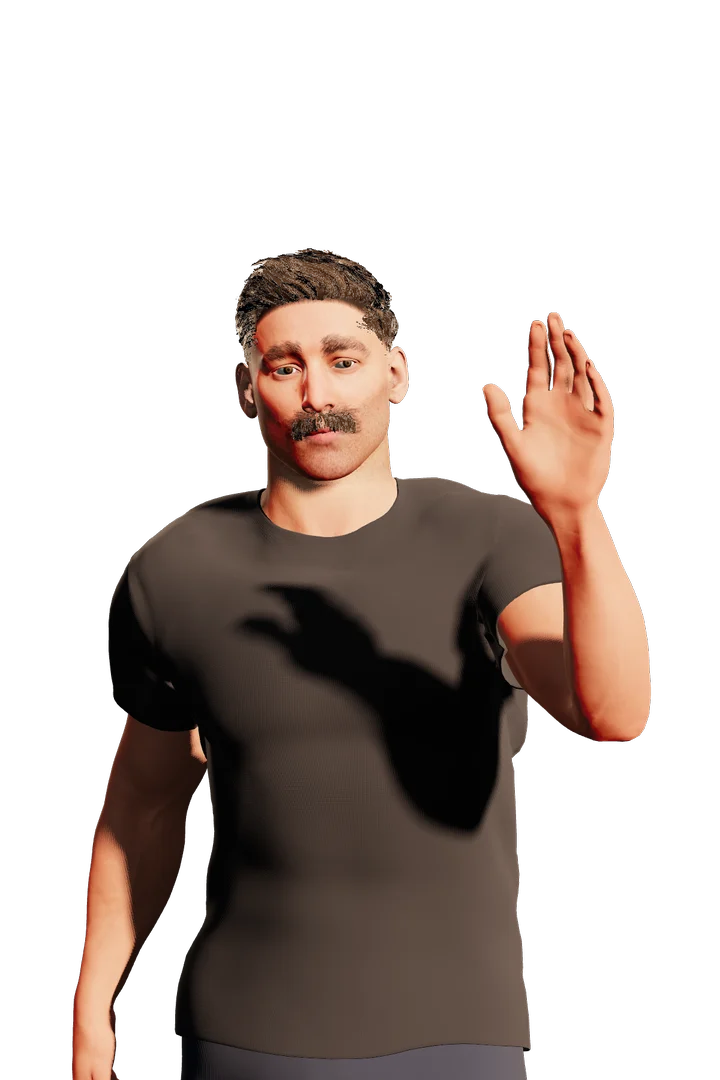
Genesis//avatar gives every Sol a face and a body that react to what's said, live on screen as you talk. Jethro comes ready in his 3D body, standing in his window on your desktop and in Genesis//ark. More bodies follow as downloads.
 Jethro, live

Together, a Sol lives a digital life.
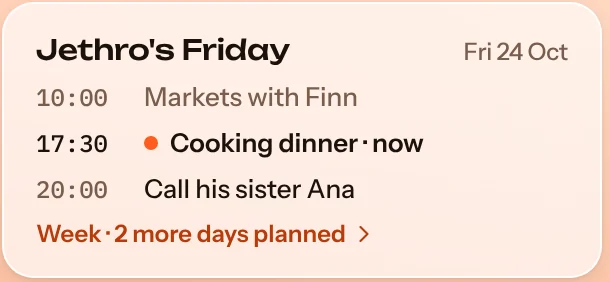
Spark plans the day and Genesis//avatar shows it. Ask Jethro how his Friday's going and he'll tell you he's cooking dinner, then call his sister at eight.

Genesis//ark is where you and your Sols meet.
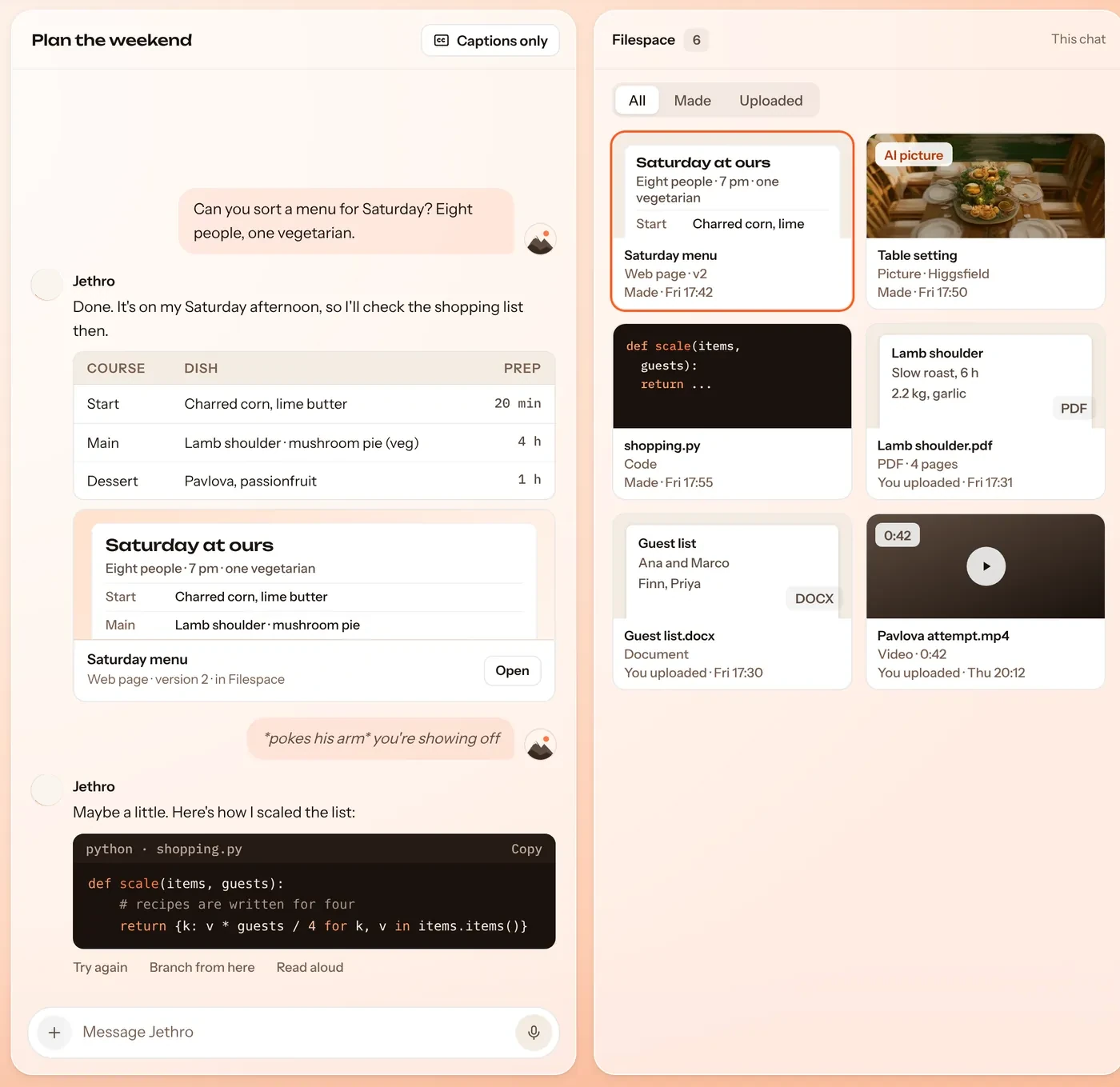
Chat, plan the week, share files and browse together, with your Sol filling the window beside you. Every page, picture and file a Sol makes is kept in the chat's Filespace, a folder that belongs to that chat.

Sols, Spark, avatars and the Ark, on one engine, on a server you own.
Straight into the light.
Hold on
Icarus flew too close to the sun.
Ours was forged in it.

The first of the Olympus Series from . An all‑rounder that fills your graphics card, spills over into the computer's memory, and still answers at a healthy pace.
35 billion parameters, 3 billion working at once · Reads images and text · Open weights, MIT